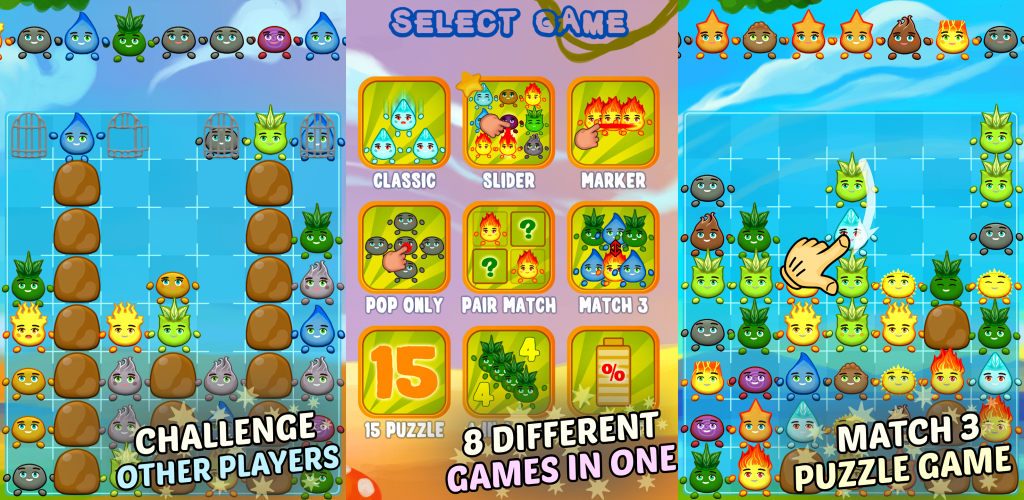
We have decided to change the name of our game, New Elements to Splash’n’Boom. We think this is the right name for our game. We hope, that new name is much better! Of course, we encourage you to play it again.
Splash’n’Boom Google Play and the Google Play logo are trademarks of Google LLC
Why it is so popular among women? Is it a best game for women’s day?
We think, Splash’n’Boom is our best game. As we have noticed, it is loved especially by women. First of all, because it is a puzzle game with match 3 elements. Secondly it contains several game modes whereas most of them are without time limits. Thirdly, Splash’n’Boom has online score table, where you can compare your score with other players!
Best game to play with friends?
You can try to play this game with your friends. We have added highscore table, you can compare your score with other players…
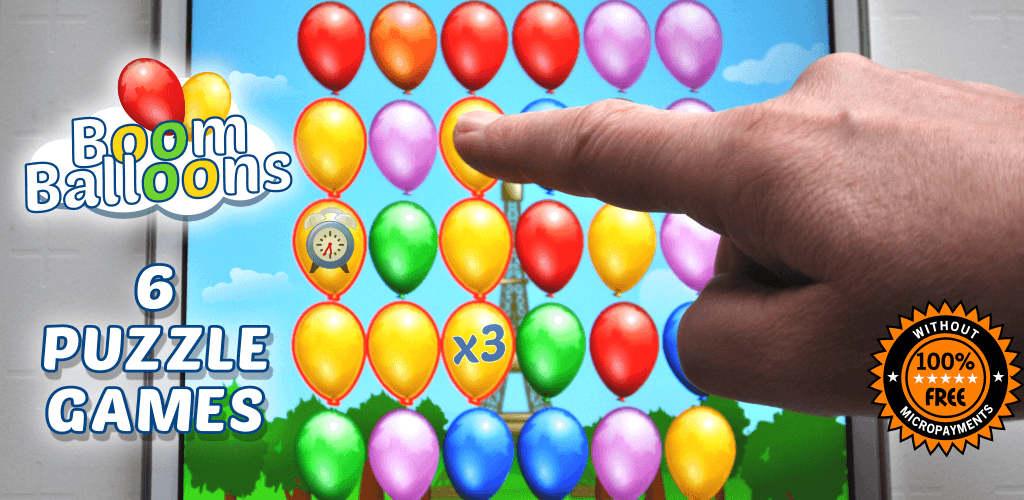
Boom Balloons is a set of 3 match style baloon game for all ages. We introduced different game modes, some of them are very easy, compared to modes dedicated to professional players.
Classic mode – match 3 balloon game without in-app purchases
Tap and slide the adjacent balloons to form groups of 3 or more balloons of the same color in a row or in a column. Moreover, you can also get special bonus if you match four or more items.
Paris mode – jewel style game board
Here you have to mark paths of neighboring balloons in the same color. Similarly to the previous mode, if you mark at least 7 items you can get one of the extra bonuses. In addition, you should remember, the more you mark, the higher the score.
Rome mode – find biggest number of balloons
This is mode is easy, just pop groups of neighboring balloons of the same color. Furthermore, to earn more point you should be fast and try to pop bigger groups of elements. If you find at least eight of them you obtain one of the extra bonuses. And remember, don’t try to cheat – if you make a mistake you will lose some time.
Sydney mode – match game without timer
Mark paths of at least three neighboring balloons in the same color and to win you must remove ALL items.
Egypt mode – balloon game for kids to play
This is the easiest mode and can be played by kids or even by babies. Of course not only, but it has the simplest rules. You have to remove from board as many as possible balloons in the same color. Each next balloon in the same color give you more points.
Puzzle mode – puzzle game for adults and kids
Finally the last but not least mode. Just remove all balloons and to do this, you should remove 2 or more in a line.
For whom is this game?
First of all, this game is dedicated to everyone: from young children to old men. Moreover it has 6 different game modes, hence everyone will find his favorite game.
Try it now – it is free game to play
You can download it here and remember, our game is free, without micropayments. Good luck, have fun! Of course, try also our other games, especially Splash’n’Boom. If you have young child, allow him or her to play Egypt mode because it is very easy and it will help your baby in color recognition. Moreover the playtime is very short, so it should be not a problem to force your child to stop using mobile device.
Google Play and the Google Play logo are trademarks of Google LLC
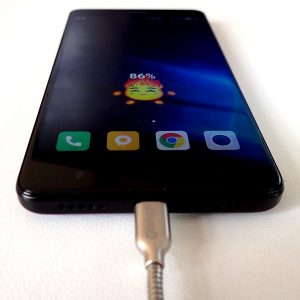
Modern smartphones are usually equipped with Li-Ion batteries and they must be properly charged. Firstly, you cannot discharge them to 0%. According to specialist, they should be charged between 40 to 80%. As a result, do not leave your phone charged overnight. Secondly, do not use your phone intensively while charging, mainly because during charging it is getting hot. The same situation is when you use power consuming applications. Higher temperature shortens the life of phone components. In addition, do not charge your phone under a pillow or in a bag, because heat dissipation is limited.
What is the best USB charging cable?
It maybe suprising, but you have to use a proper cable for charging. While you can buy a lot of cheap cables they do not allow to charge your phone with high current. If you cannot use an original cable, choose the one, which is dedicated for charging. It usually contains thicker ground and vcc wires, hence it allow to charge using current about 2A. To check the current value, you can use USB current voltage charging meters. Furthermore do not use very long cables, because the longer the cable, the greater its resistance.
What is the best USB charger?
First of all, use orignal charger delivered with the phone. If you have to change your charger, choose one, which has the same or similar parameters. Moreover remember, that there is several standards which decide, that phone recognize charger as a charger. Phone manufactures use special voltage configuration on D+ and D- lines to distinguish the USB port in the computer from the charger.
Summary
Please remember, do not experiment with the chargers and always consult your choice with the user guide.